

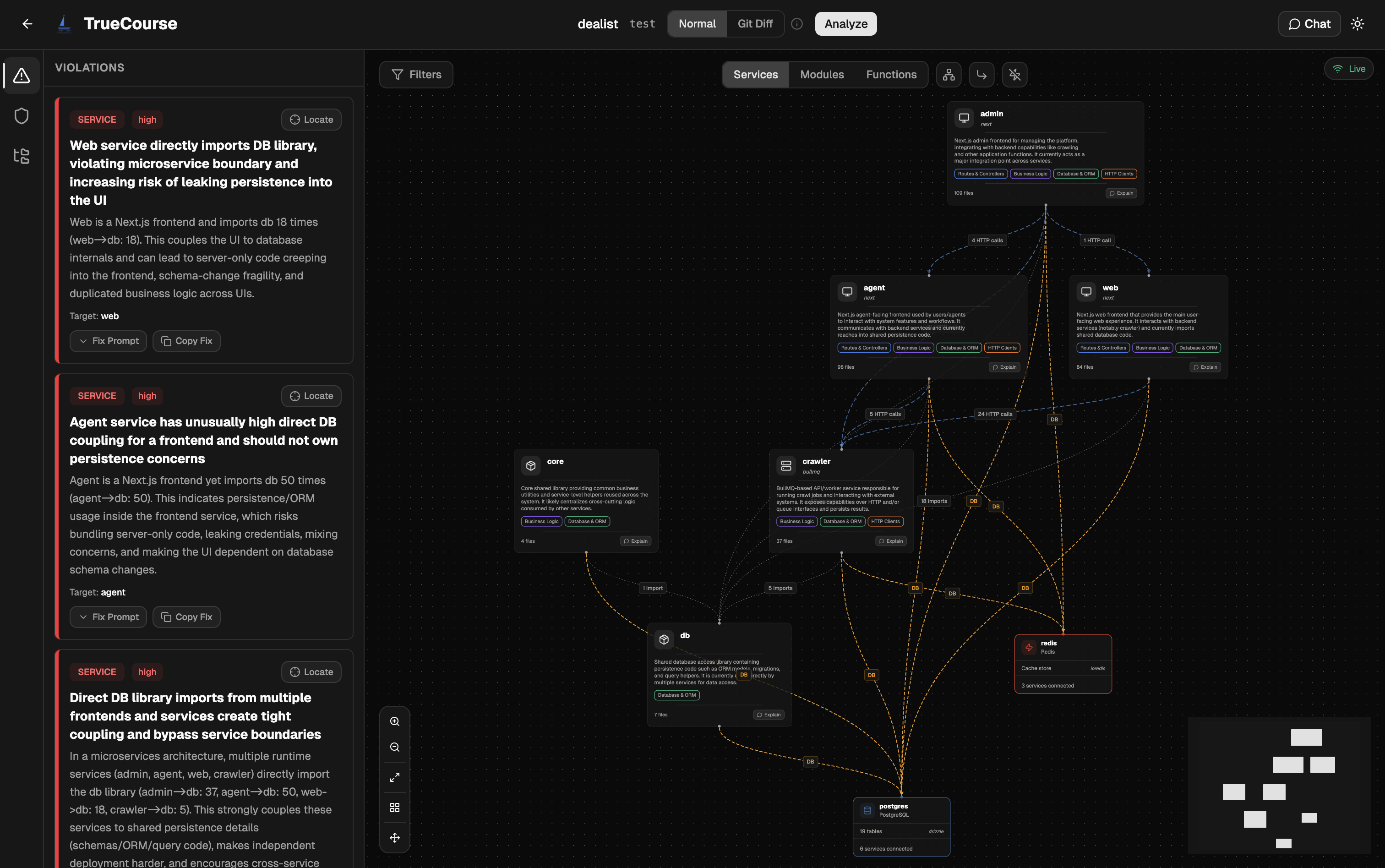
What’s inside
- Code Analysis: architecture graph, violations list, severity/category analytics, code hotspots, trend over time; toggle rules and silence noisy ones inline.
- Guard: Coverage shows each spec doc’s sections with their scenario coverage (blocked sections waiting only on a providable third party show as orange Needs setup, with a link to the External APIs form) and walks you through resolving spec conflicts; Sources manages the llms.txt documentation sites registered as spec docs: add one by URL with a preview before anything is written, refresh or remove; Scenarios lists the committed scenario corpus with the recipe and last-generate summary, and every test reads as
View · Story · YAML; External APIs shows the third parties the app calls and lets you hand guard a real or sandbox account for each (declaration committed torecipe.json, secrets to the gitignored overlay); Runs shows each run’s drifts with per-failure evidence.
Commands
truecourse dashboard asks whether to run in this terminal (console) or as a background service; --reconfigure re-asks later.
Next steps
LLM transport
The saved transport the dashboard’s scans and generates run on.
CLI reference
Every dashboard action has a CLI equivalent.